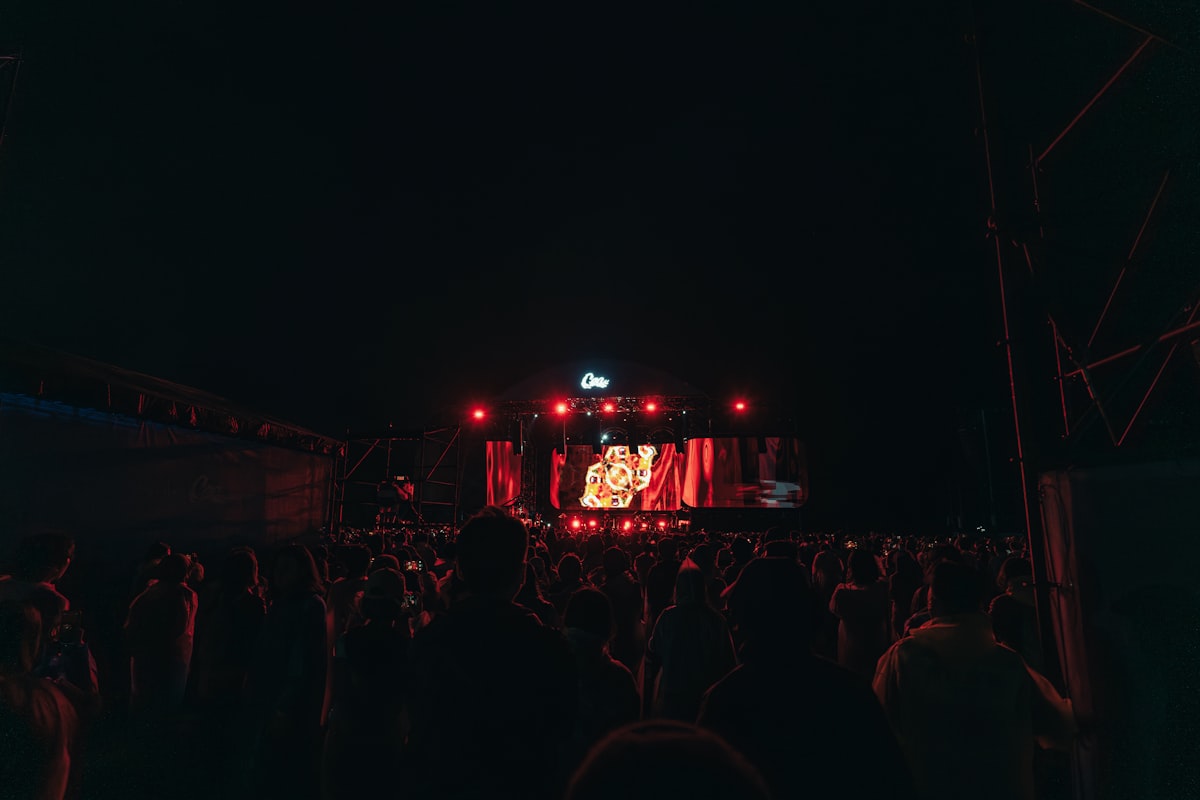
You're in the middle of the floor, the DJ blends into something you've never heard, and the whole room goes up. You pull out your phone, open a song-ID app, hold it up — and get nothing. Or you get the wrong song. If that sounds familiar, it isn't you. A live DJ set is about the hardest thing there is for song recognition, and it helps to know why before you try again.
Why song ID misses at gigs
Apps like Shazam work by fingerprinting. They turn a short piece of audio into a pattern and compare it with the patterns of studio recordings in their catalogue. That works brilliantly on a clean recording in a quiet room. A live room breaks it in three ways.
- Live arrangements. A DJ plays edits, loops, mashups and two records at once. A band plays its songs faster, slower, longer or in a different key. What you're hearing doesn't have the same fingerprint as the studio version.
- Crowd noise. Thousands of people singing, shouting and cheering sit on top of the music. So does the bass, which a phone microphone struggles with long before your ears do.
- Studio fingerprints. The catalogue only knows released recordings. If a track only exists as the DJ's own edit, there's nothing to match it against.
None of this makes song ID useless at a show. It means you need a little technique, and a plan B.
Get a cleaner match in the room
- Go for the chorus, not the build. A vocal hook or a clear melody gives the app far more to work with than a riser, a breakdown or a drum loop that sounds like a hundred other tracks.
- Try between drops. Straight after a drop the room is at its loudest. The stretch after the DJ has fully mixed a track in, before the next transition starts, is usually the cleanest.
- Get closer to a speaker. It sounds backwards, but a phone near a speaker stack hears more music and less crowd than one held up in the thick of the floor. You don't need to be pressed against it, just out of the loudest part of the crowd.
- Don't hold your phone up all night. If a try misses, try once more at a better moment and then let it go. You're there for the set, not the search.
If you're filming anyway, you're already recording the audio. In Chord, Live Mode listens for the track while you film and pins the song to the clip when it catches it. If it can't name it in the moment, Chord tries again on the saved video and sends you a "Song found" notification if it gets it later. And if the room beats it completely, you can add the song yourself — the clip is still there.
When it's an "ID – ID"
Sometimes the answer isn't hidden. It doesn't exist yet. When a tracklist says "ID – ID", that's a track the DJ hasn't released, or won't name. It might be their own unreleased record, a friend's promo, or an edit made just for the tour. No app can match it, however clean your clip is, because there's no recording in any catalogue to match it to.
Save the clip anyway, and note roughly where you were in the set. Tracks that get tested on dancefloors often come out months later, and when yours does, that shaky video is the proof you heard it first.
If a track isn't released, no app can name it. Keep the clip — it's the only record you'll have of hearing it first.
Let the set build itself
Chasing every track one tap at a time means a lot of time with your arm in the air. Chord's Listening Mode takes a different approach for DJ sets: you switch it on and it listens in short clips as the set plays, names each track it can match, and adds it to a setlist that builds itself as the night goes on.
It can only catch what a fingerprint can catch, so it won't name the IDs or every heavily edited blend. But the tracks that can be named get named, without you standing there holding your phone up.
After the night
Most of the unknowns from a big set get worked out in the days after, by people who were there. Three places to look:
- 1001Tracklists. Fans piece DJ sets together track by track, often within a day or two of a big show. Search the DJ's name and the event.
- The DJ's own posts. Many DJs share a tracklist after a set, or reply to "ID?" comments under their clips. Their label's pages and radio shows are worth checking too.
- Your crew's Crowd Setlist. If you were in a shared Night in Chord, the Crowd Setlist shows every song the crew caught, ranked by how many of you caught it — counts, never names. The track you missed is often one somebody else got.
Filmed a band, not a DJ? How to find a song you heard at a concert →
Keep what you caught
Once the night is over, the tracks you caught deserve somewhere you'll actually play them. In Chord, "Save the setlist" turns a night's setlist into a Spotify or Apple Music playlist. Tracks it isn't sure about are listed for you to confirm, and any it couldn't find are shown to you rather than quietly dropped.
The clips stay with the night — the venue, the date, the people you were with. And if you switch on Song-Triggered Recall, a track from that night playing on Spotify or Apple Music months later can bring you straight back: Chord sends a notification naming the song and the night you heard it live.
More on club nights and raves: Chord for clubs →
Questions about loud rooms, offline capture or the beta? Read the FAQ →