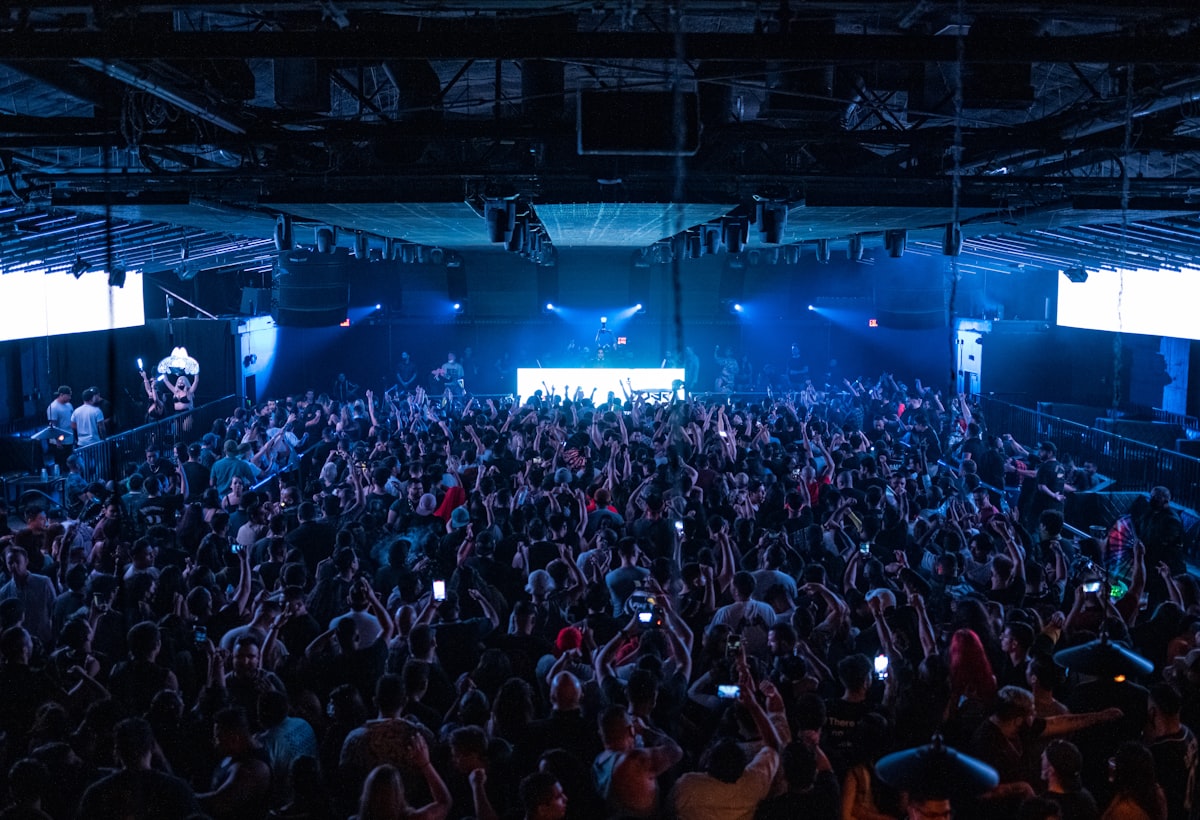
You were there. The lights dropped, the crowd went up, and the song hit. Now it's the next morning, you have a 20-second clip that is mostly bass and screaming, and no idea what the track was. It happens at every festival, gig and club night — so here is what actually works, in the order worth trying.
1. Catch it in the moment
The easiest time to name a song is while it's playing. Any song-ID app (Shazam, SoundHound, or Chord's Live Mode, which listens while you film) can match a clear recording in a few seconds. The honest catch: a loud room, a live arrangement or a heavy crowd can beat any fingerprinting app. If it misses, don't stand there holding your phone up — you'll lose the moment. Try again at a quieter part, or move on and use the steps below later.
2. Play your video back to a song-ID app
If you filmed it, you already have the audio. Play the clip out loud on one device and let a song-ID app on another listen. Pick the cleanest few seconds — a chorus or a hook works better than a build-up or a crowd chant. Headphones pressed to the second phone's microphone can cut the room noise. Chord does this for you: when you save a video, it listens to the soundtrack and tries to name the song, and you can always add it yourself if it can't.
3. Check the setlist
For a band or an artist playing their own songs, the setlist usually solves it. Fans post setlists to setlist.fm within hours of most shows. Match the order to when you filmed: if your clip is from about 40 minutes into the set, count down the list. For a festival, check the stage times so you know whose set you were actually in.
4. For DJ sets, look for the track ID
Electronic sets are harder, because a DJ plays other people's records — often edits, mashups or tracks that aren't released yet. Search the DJ's name and the event on 1001Tracklists, where fans piece sets together track by track, and look through the DJ's own posts after the show; many share their tracklist or reply to "ID?" comments. Reddit communities for the genre are good at this too.
If a track isn't released yet, no app on earth can name it. That's not a bug — it's an ID.
When you see "ID – ID" in a tracklist, that is a song the DJ hasn't released (or won't name). Song-ID apps can only match recordings that exist in their catalogue, so an unreleased track will never match, however clean your clip is. Save the clip and the time; when the track comes out months later, that video becomes the best memory you have of hearing it first.
5. Ask the people you were with
Someone in your crew probably caught it, or filmed it from a better spot. In Chord, a shared Night pulls everyone's clips and songs into one place, and the Crowd Setlist shows every song the crew caught, ranked by how many of you caught it — counts only, never names. The song one of you missed is often the one somebody else got.
Next time: save the song with the moment
- Film the moment — you're doing it anyway.
- Let the song be identified while it plays, or add it straight after.
- Write one line about why it mattered. Future you will thank you.
- Keep it with the night, the venue and the people, not lost in a camera roll.
That's the whole idea behind Chord: the moment and the song, kept together, so the night is still there when you go looking for it.