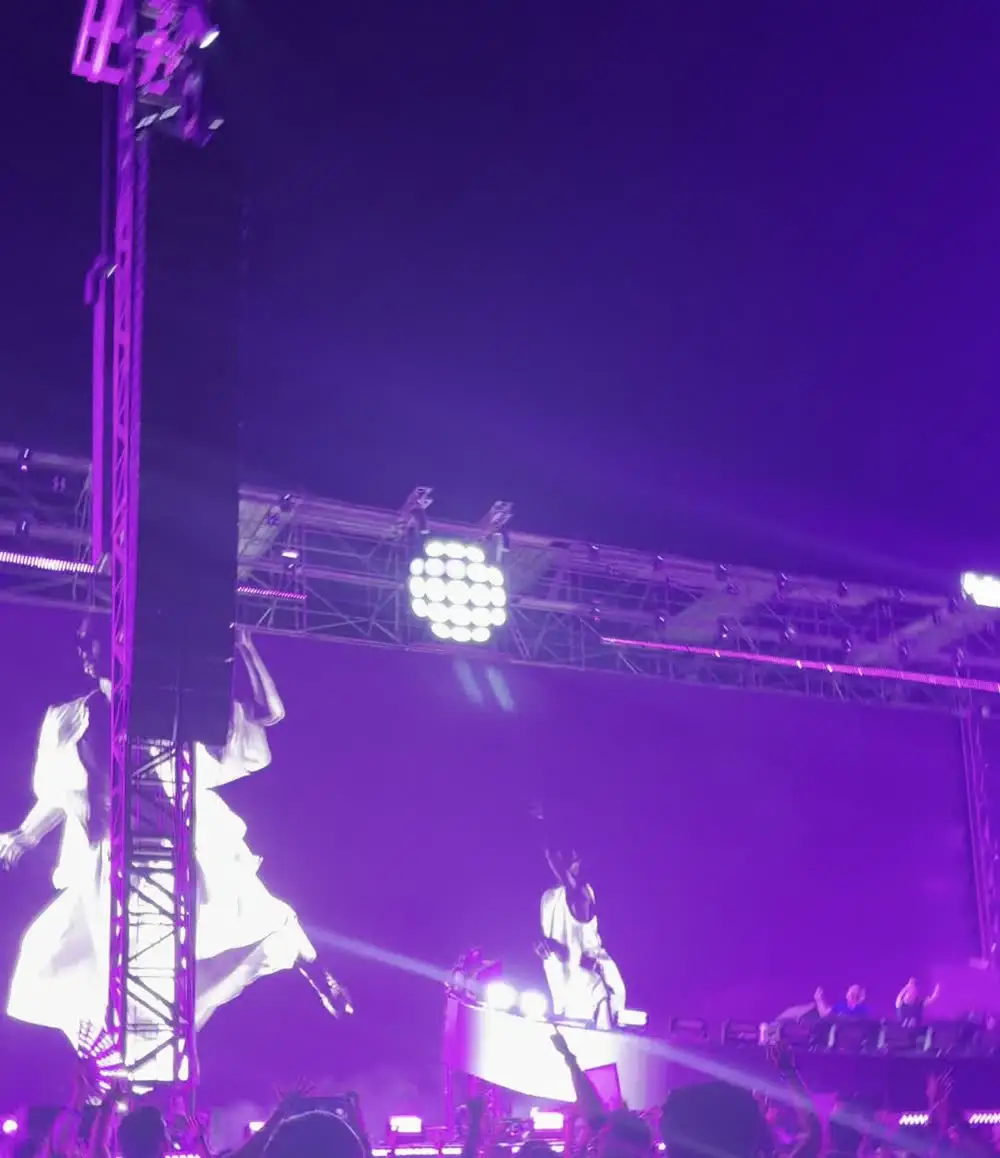
Long-press the stage to lock focus and exposure, then drag the exposure down a little. Keep the phone steady with both hands, don't pinch to zoom, and film short clips. A slightly dark clip of a dark stage looks better than a bright, noisy one.
Lock focus and exposure
Stage lights flash and move, so the camera keeps changing its mind. In the iPhone Camera app, press and hold on the stage until you see AE/AF Lock. Then slide the sun icon down a little. The lights stop blowing out and the picture stops pumping.
Don't pinch to zoom
Digital zoom crops and enlarges the picture, so lights turn to mush. Use the 1x, 2x or 3x buttons your iPhone has, which switch lenses. Or move closer. A wide clip with the whole crowd often feels more like the night anyway.
Keep it steady
- Hold the phone with both hands at chest height and keep your elbows against your body.
- Turn your whole body to follow the stage, not just your wrists.
- Film in landscape for the stage, portrait for a story. Pick one and stay with it.
Small things that help
- Wipe the lens on your shirt first. A greasy lens turns every laser into a smear.
- Night mode is for photos. It does not work for video, so don't wait for it.
- 1080p at 30 fps is lighter on battery and storage. 4K looks sharper but fills your phone fast. In a dark room the difference is small.
- Film ten to twenty seconds, not the whole song. You will actually watch it later.
- Get the drop and a bit of the crowd. The people and the sound carry the memory.
Gig Mode in Chord
The newest Chord beta on iPhone has Gig Mode, a camera setting for dark stages. Everything above still applies. And when you film in Chord, Chord names the song from your clip, so a dark video still knows its song. If it can't, add it in two taps.
Keeping every set at Sunburn 2026, with the songs →
Questions people ask
Why do my concert videos look so bad?
The camera keeps changing focus and exposure for the flashing lights, and digital zoom adds blur. Lock focus and exposure, lower the exposure a little, and avoid pinch zoom.
Should I film concerts in 4K?
Only if you have space and battery. In a dark room, 1080p is often good enough and lasts longer.
Does Night mode work for video?
No. On iPhone, Night mode is for photos.