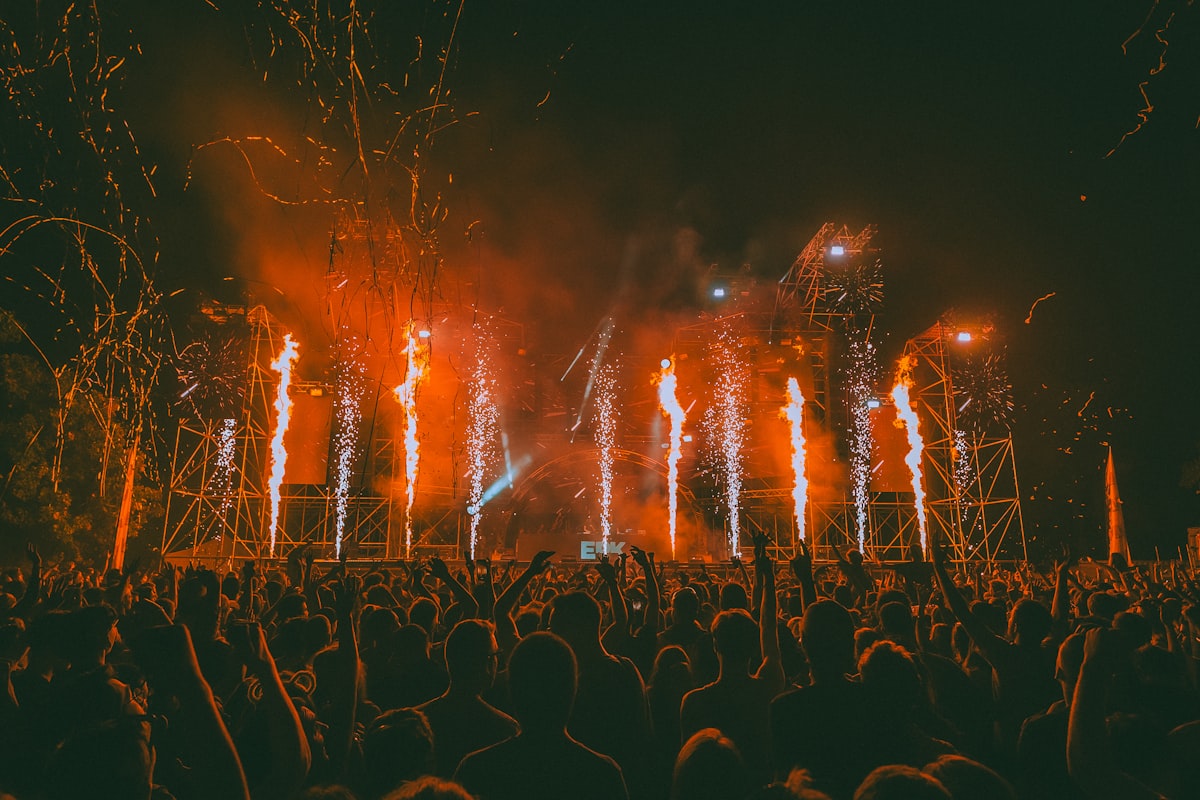
After a great night, most of us post one of two things: a single blurry clip that doesn't show how good it was, or fifteen stories nobody taps through. The Night Card is Chord's answer to that — the whole night, as one story.
A night, as one 9:16 card
A Night Card is a single card in Stories format, 9:16, made from one of your Nights in Chord. It's built to be posted: one card, one tap, and the people who follow you see what the night actually was — not just that you were out.
It exists because the best nights are the hardest to post. One clip shows one moment and usually loses the song. A photo dump shows everything and says nothing. A card says: this was the night, this was the music, these were my people.
What's on it
- Your hero moment. One of your own moments from the night, front and centre.
- What you caught. A line in the form "{N} moments · {M} songs caught" — for example, "12 moments · 9 songs caught".
- Your crew's top 3 songs. The three songs your crew caught most, shown as songs and counts — never names.
That's it. The card never says who caught what, and the hero moment is always one of yours.
Why counts and not names? Because the crew's top songs are about the music, not about who was standing where. Your friends' clips stay in the Night, where the crew can see them; the card only says which songs the crew caught most.
How to make one
Open a Night — or its Morning Recap the morning after — and tap to make the Night Card. Chord builds it from what's already in the Night, so there's nothing to design. One more tap sends it to Instagram Stories.
A good time to make it is the morning after, from the Morning Recap: the night is already cut into a montage, the numbers are in, and the card is right there. If you'd rather post on the way home, make it straight from the Night.
Everyone in a shared Night can make and post their own card, from their own moments. Five people in the crew, five different hero moments, one night.
Where the Night Card fits with Live Mode, Crowd Setlist and Morning Recap: see all Chord features →
Then go deeper
The card is the headline; the Night has the rest — every moment you and your crew added, each kept with its song. Its Setlist tab shows the setlist you witnessed, built from your own captures, and the Crowd Setlist, ranked by how many of your crew caught each song.
Where the official setlist is available, Songs you missed shows the songs from the set you didn't catch — for example, "you caught 11 of 19 songs — here are the 8 you missed". And if you want those songs on repeat, "Save the setlist" turns the night's setlist into a Spotify or Apple Music playlist.
At the end of the year
A Night Card is for one night. Year in Chord is for all of them: an auto-playing, Stories-style look back at your year of shows — your numbers, your top moments and your top artists — with a postcard and a short video reel to share.
Every moment you keep over the year feeds into it, so the nights you posted one card at a time end up as chapters of one story.
Want one card for your whole festival season now? Make your Festival Season 2026–27 card →
Who sees what
Nothing about a night is public unless you post it. Your moments are private by default. Tag a friend and they see that memory; join a Night and your crew sees what's added to it. A public link or a Night Card on your story is always your choice, never the default.
The card follows the same rule: your own hero moment, and your crew's songs as counts, never names. When you post it, you're sharing your night — not anyone else's.
Going with friends? How a shared Night keeps your crew's clips together →